heyparsadev/liquid-glass-skill
11 stars · Last commit 2026-10-11
Claude plugin for SwiftUI with Apple's Liquid Glass on iOS 26 and iOS 27: verified APIs, Apple's design rules, measured contrast, ten example screens, and a linter.
README preview
# liquid-glass A Claude plugin that teaches Claude to build SwiftUI interfaces with Apple's **Liquid Glass** on **iOS 26 and iOS 27** (and the matching iPadOS, macOS, watchOS, and tvOS releases): real APIs only, Apple's design rules, and the iOS 27 additions with a gate for apps that still support iOS 26. | Explore | Place | Discover | Navigation | |---|---|---|---| | [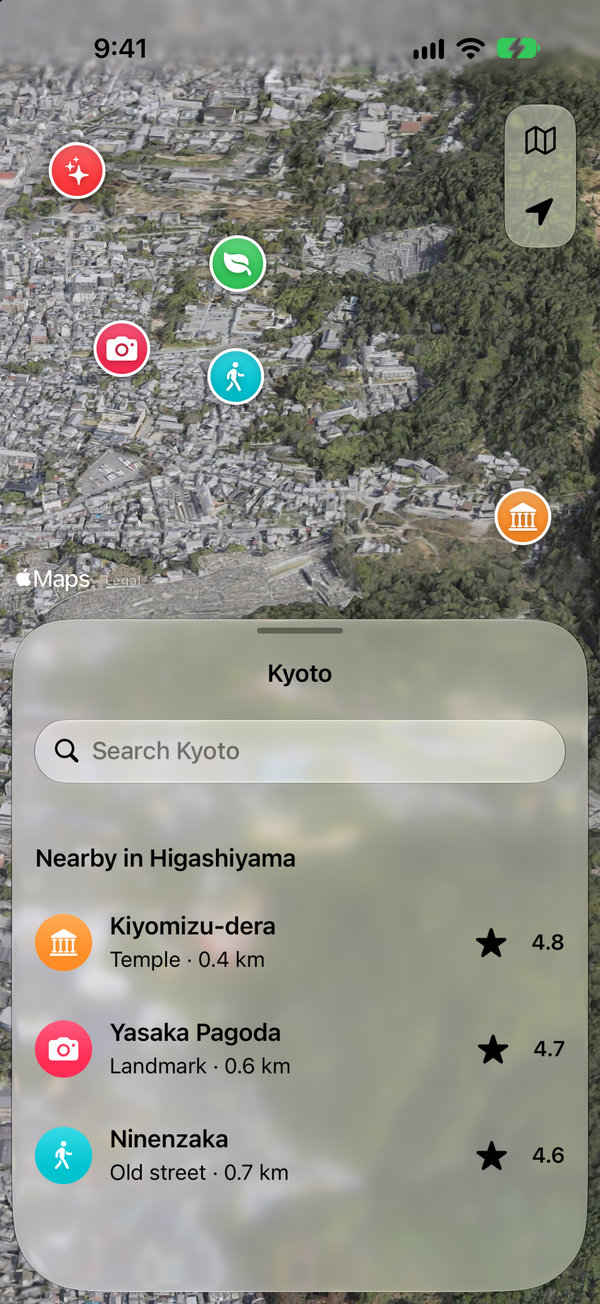](https://github.com/heyparsadev/liquid-glass-showcase) | [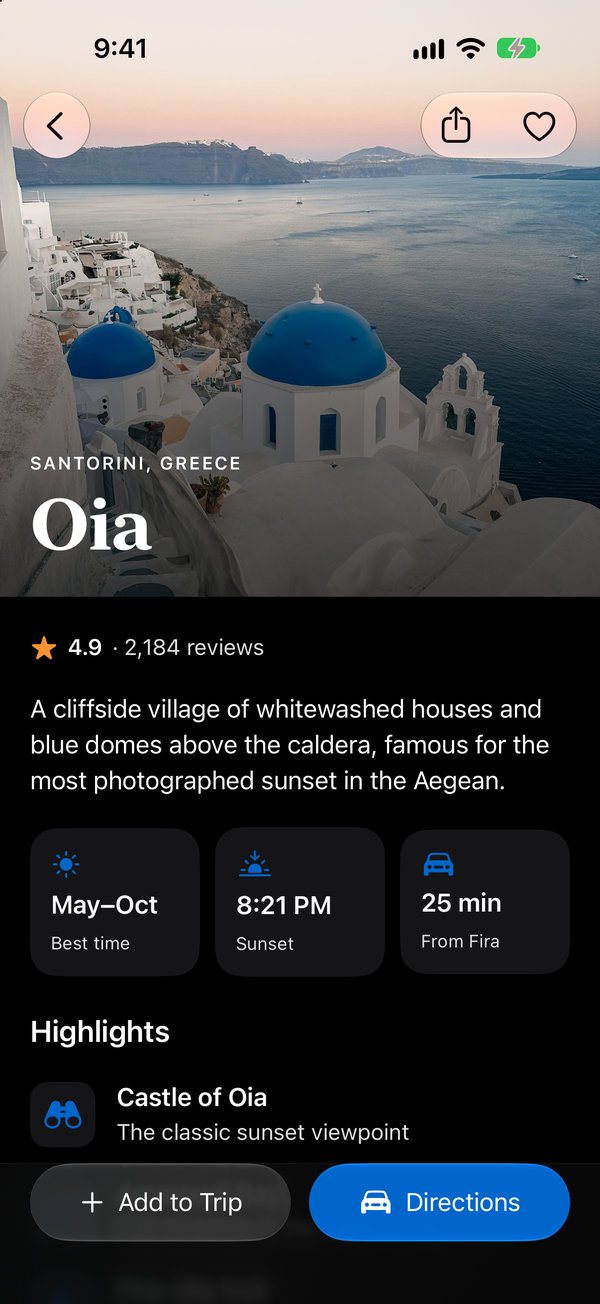](https://github.com/heyparsadev/liquid-glass-showcase) | [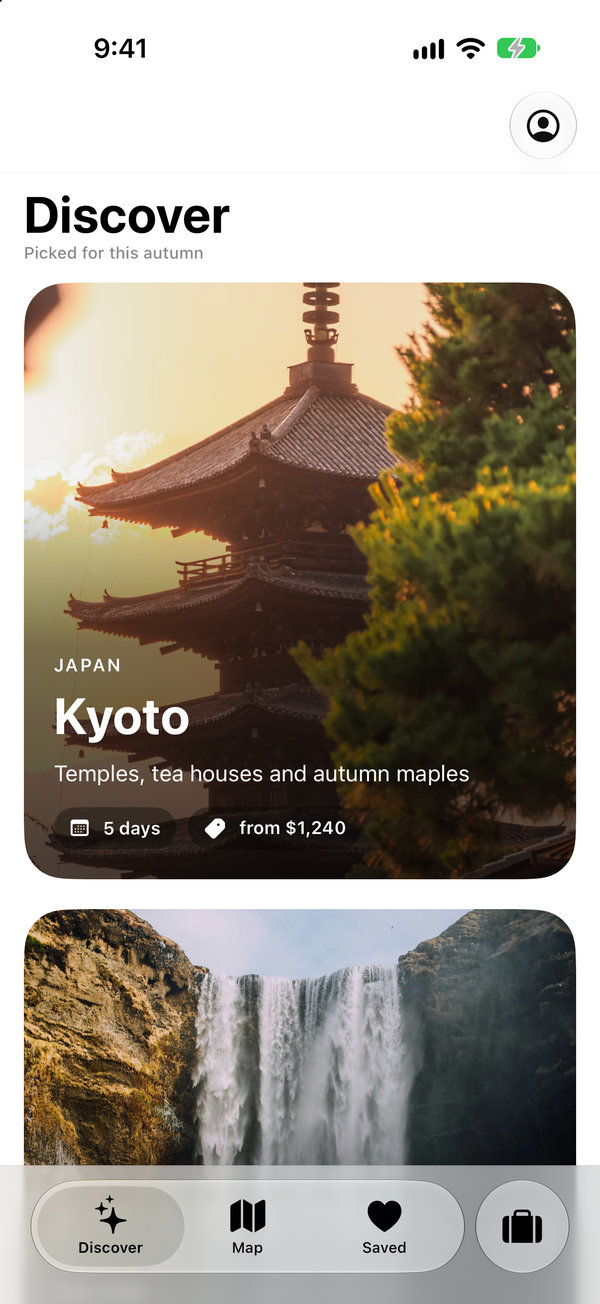](https://github.com/heyparsadev/liquid-glass-showcase) | [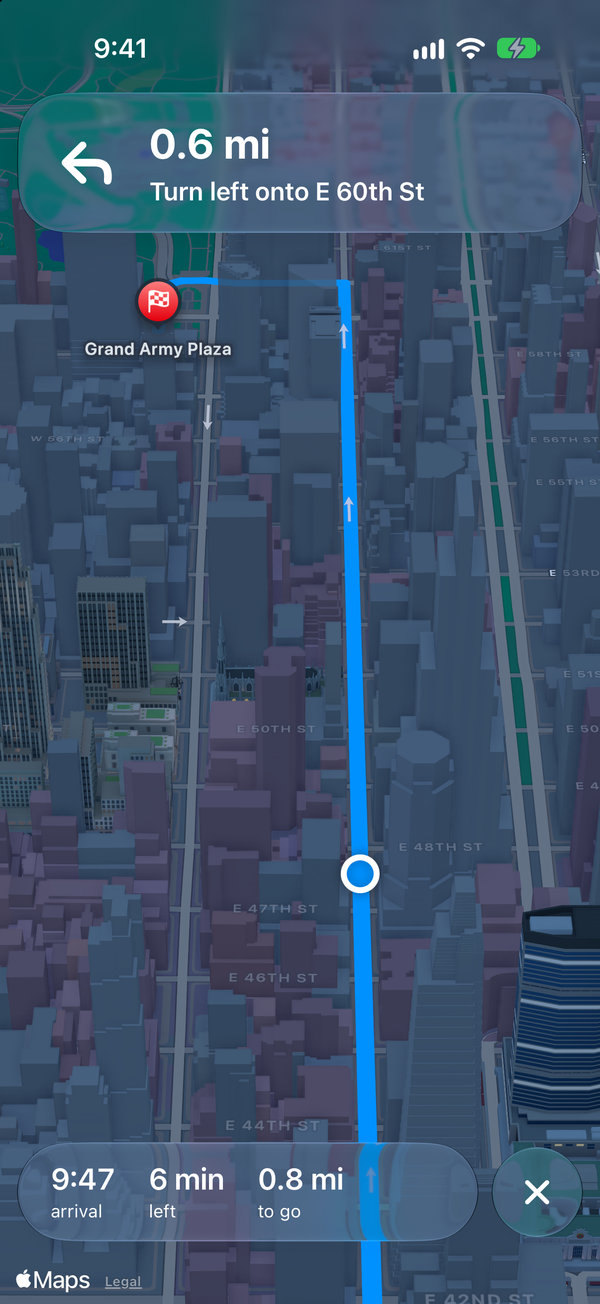](https://github.com/heyparsadev/liquid-glass-showcase) | <sub>Four of the 14 screenshots of [liquid-glass-showcase](https://github.com/heyparsadev/liquid-glass-showcase), a SwiftUI app with six screens, built with this skill on iOS 27. That repo has all of them, light and dark, and the app's code.</sub> ## What it gives Claude - **Real APIs only.** Every declaration was checked against Apple's documentation (iOS 27 SDK, October 2026). The reference includes an availability matrix and a list of names models tend to invent, such as `glassEffect(…, isEnabled:)`, `.containerConcentric`, and `toolbarMinimizeBehavior`. - **Apple's rules in Apple's words.** Glass is for controls and navigation, never for content. No glass on glass, regular or clear glass, tint for meaning, and brand color in the content layer. - **The iOS 27 APIs.** `toolbarMinimizationBehavior`, `visibilityPriority`, `ToolbarOverflowMenu`, `.topBarPinnedTrailing`, `TabRole.prominent`, the status bar placement, and how to gate each one on an iOS 26 target. - **Contrast that was measured.** Ratios taken from iOS 27.0 simulator screenshots. They show why small text on glass should be `.primary`, which accent keeps a white button label readable, and when a sheet needs its backdrop dimmed. - **Ten example screens, six patterns, 22 anti-patterns** with fixes, and a pre-ship checklist. - **A linter.** `check_glass.py` is a read-only Python script that flags invented APIs, glass where it doesn't belong, and iOS 27 APIs without a gate. ## Try it